Start with your script
Use your own writing as-is, or use the optional AI prompt enhancer to refine an image prompt. Your original idea stays yours.
Explore script-to-storyboard workflow →Generate AI images, then open them in the editor. Crop and resize photos, select a person for a background cut-out, add text, shapes, decorative elements and effects, arrange layers, and export your design—all in one creative workspace.


 Ideas into visualsYour creative workspace, in one place✦
Keep the story, scene details, and visual direction together while you create AI images from text or plan a storyboard.
Use your own writing as-is, or use the optional AI prompt enhancer to refine an image prompt. Your original idea stays yours.
Explore script-to-storyboard workflow →Use the script-to-scene workflow to break a story into scenes and refine each moment before image generation.
Learn how AI storyboards work →Add character and image references, choose a visual direction, and keep your generated work organized.
Explore reference-guided images →Basic editing is available without spending AI credits. Use browser-based tools to crop, resize, adjust color, add text and shapes, work with layers, and export your design. AI processing is clearly separate and uses credits when offered.
Change image crop, rotate or flip a layer, resample an image, and tune exposure, color, blur, or shadow in the editor.
Explore the online photo editor →Build an editable design with text, shapes, templates, alignment guides, layer ordering, opacity, and supported image effects.
Explore social media design →Save editable projects to reopen later, then export supported designs as PNG, JPG, WebP, or PDF.
Make a YouTube thumbnail →Build reusable character profiles, bring reference images into your process, and keep related scenes together in a project. References guide a result; they do not guarantee identical details in every generated image.
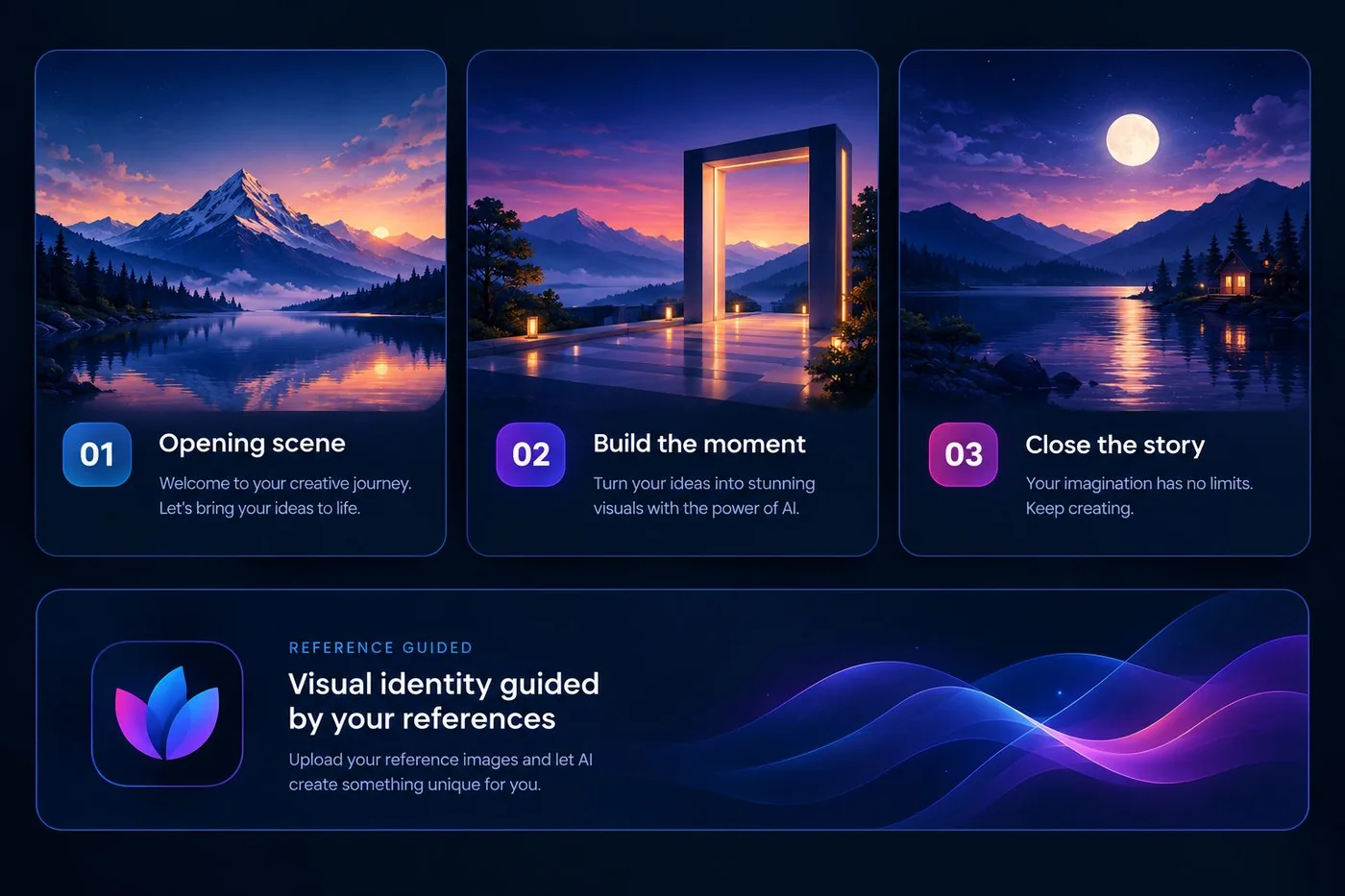
Explore example scenes for an AI storyboard—from quiet landscapes to character-led moments.
Monthly credits renew with the selected plan. Annual pricing reflects eleven paid months.
300 credits each month
Annual: $109.89 Save $9.99
700 credits each month
Annual: $220 Save $20
1,000 credits each month
Annual: $275 Save $25
If you are comparing a free AI image generator, new YCORE accounts can try the workflow with limited free trial credits. For continued access, sign in and review subscription options in Billing.
Yes. Prompt enhancement is optional; you can work from your original writing.
Saved profiles and reference images help guide visual continuity. Image models can still vary between generations.
The displayed annual prices charge for eleven months while the plan period is twelve months.
Check the terms that apply to your account and the image model used before commercial use. Model licensing can differ.

YCORE AI combines prompt-led image creation and visual storytelling with a browser-based photo and design editor. Basic manual edits are separate from credit-based AI processing.
Questions about access, plans, or support? Send us a message in the app.